Article: Mini Fan Noise and How to Choose a Portable Fan for Your Desk
Mini Fan Noise and How to Choose a Portable Fan for Your Desk
A mini fan can make a warm desk or commute more comfortable, but airflow is only part of the experience. The sound a fan makes matters too, especially when you are working, taking calls, or sharing a small space. If you have searched for fan noise, here is what to consider before choosing a portable fan.
Why do fans make noise?
Fan sound can come from moving air, the motor, or vibration against a surface. A higher speed often moves more air and may also produce more sound. Where you place the fan makes a difference: a fan resting on an uneven or hollow desk can sound different from the same fan on a stable surface.
A change in sound over time may also be a sign that the grille or blades need cleaning. Always turn a fan off before cleaning it, and follow the maker's care instructions.
Look beyond quiet in a product description
Quiet is subjective. A fan that feels unobtrusive in a busy office may be noticeable in a silent bedroom. When comparing mini fans, ask yourself:
- Can you adjust the airflow to suit the moment?
- Will it sit securely where you plan to use it?
- Is its size practical for your desk, bag, or commute?
- Does the product page explain its controls and intended uses clearly?
Adjustable speed is useful because you do not always need maximum airflow. For focused desk work, a lower setting may be enough; on a hotter commute, you may prefer more airflow. Choose the setting that balances comfort and sound for your surroundings.
Mini fan desk fan or handheld fan
A desk fan is a practical choice when you mainly want airflow in one fixed spot. A handheld fan is easier to carry between places. A foldable portable fan can offer more flexibility if you want to use one fan both at a desk and on the move.
The best choice depends less on a broad label such as electric fan and more on how you will actually use it. Think about where the fan will stand, how often you will carry it, and whether you need hands-free use.
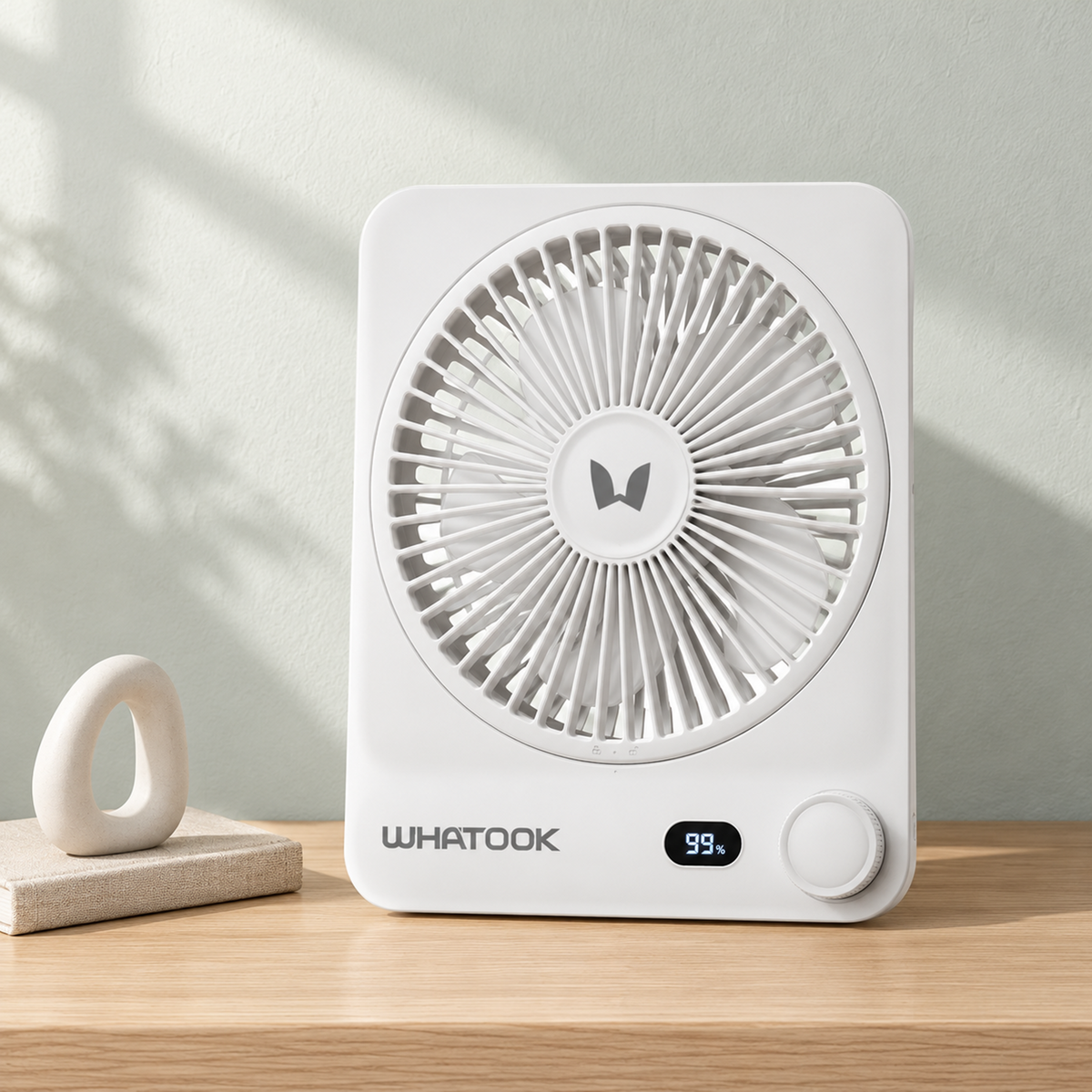
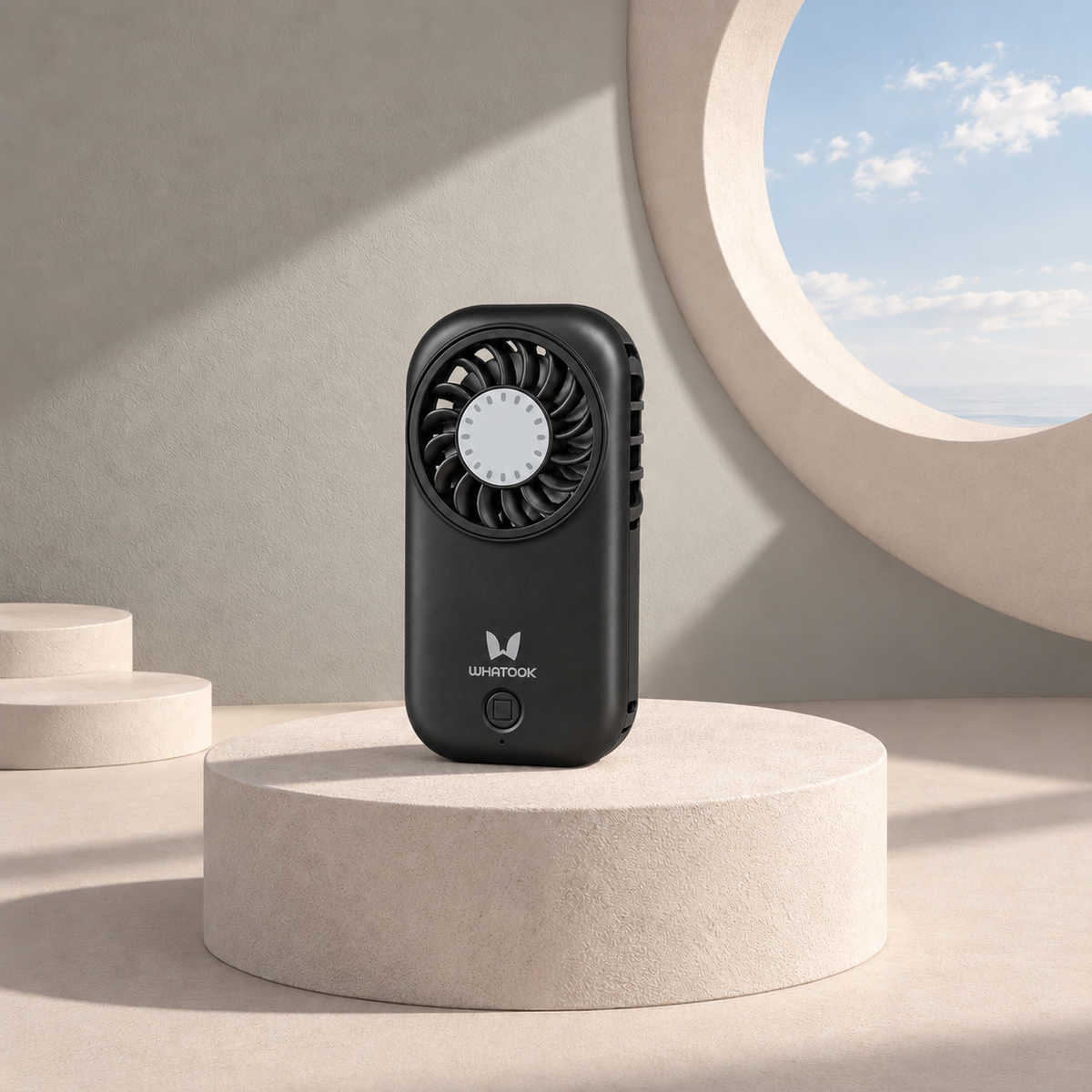
Product photo examples: compare the size and setup of a desk fan, a compact handheld fan, and a foldable handheld fan before choosing for your space.

Desk fan example: WHATOOK CF03.

Compact handheld example: WHATOOK X30.

Foldable handheld example: WHATOOK H05.
A simple way to compare fan sound
If possible, watch a product demonstration at several speed settings, not just the highest one. Pay attention to both the airflow and the character of the sound. A steady airflow sound may feel different from rattling or vibration, even when both seem similarly loud in a recording.
For a more comfortable setup, place the fan on a stable surface and aim the airflow where you need it. You may find that a moderate setting works better than running it at full speed all day.
When shopping for a mini fan, consider airflow, placement, portability, and fan noise together. A fan that fits your routine and gives you control over the airflow is more useful than one chosen by a single specification.